
Rooftop City Workshop Map Guide
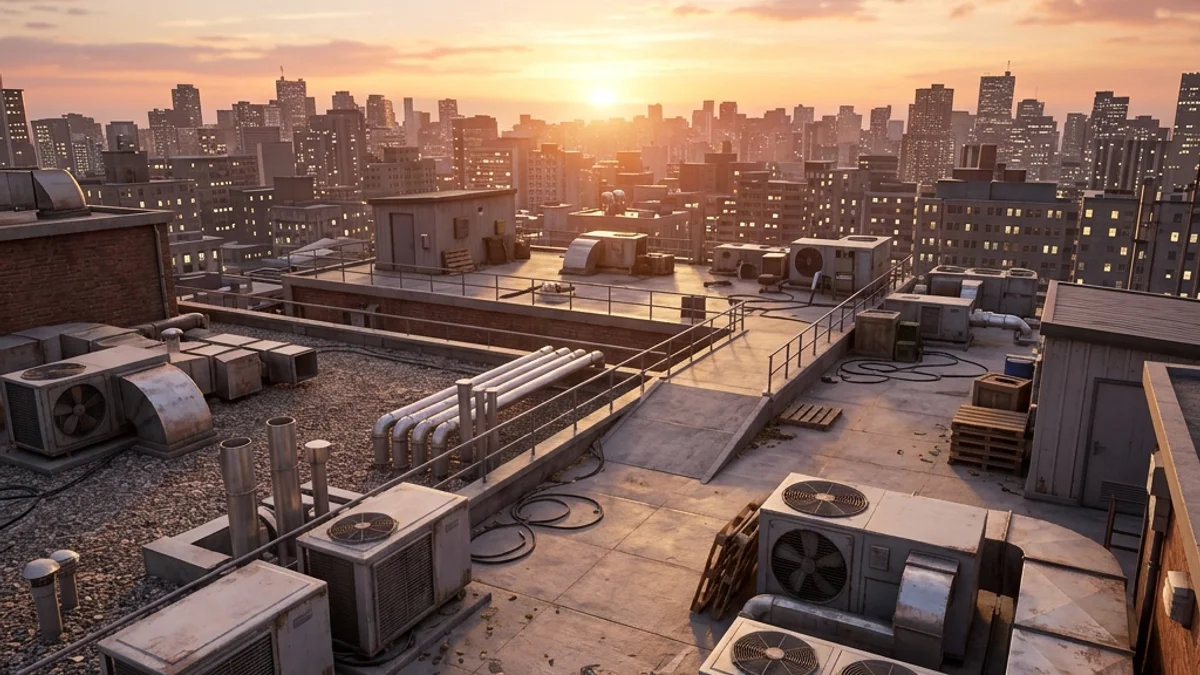
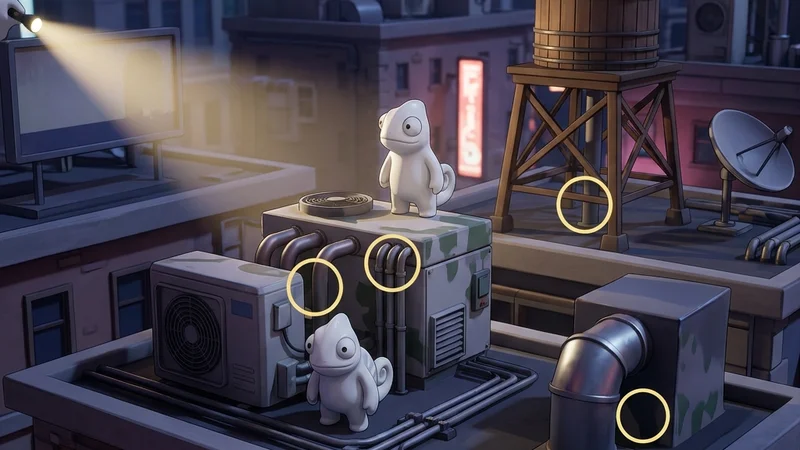
The Rooftop City Workshop map is a large-sized, urban rooftop level for Meccha Chameleon. The environment features multiple interconnected rooftop levels, neon signage, HVAC equipment, water towers, and a night sky backdrop. The high asset density and long draw distances make it visually impressive but demanding on hardware.
This guide provides a comprehensive breakdown of the map’s layout, hiding strategies, and seeker counter-tactics.
Map Overview & Layout Analysis
Rooftop City spans multiple connected rooftop levels:
                      ROOFTOP CITY LAYOUT

        +---------------------------------------------------+
        |              [Upper Rooftop / Water Tower]         |
        |            (Elevated Platform & Antennas)          |
        +--------+-------------------+----------------------+
        |        |                   |                      |
  [Neon  | [Mid Rooftop A]     [Mid Rooftop B]      [Stairwell
  Signs]  | (HVAC Units)       (Neon Framework)      Access]
        |        |                   |                      |
        +--------+-------------------+----------------------+
        |              [Lower Rooftop / Entrance]            |
        |            (Rooftop Access Door & Vents)           |
+---------------------------------------------------+- Upper Rooftop: The highest level with a water tower, antenna arrays, and elevated walkways. Strong vertical hiding spots but exposed to long sightlines.
- Mid Rooftop: The core area with HVAC units, neon sign frameworks, and ventilation ducts. Complex geometry creates abundant hiding spots.
- Lower Rooftop: The entrance level with access doors, vent pipes, and storage crates. Fewer hiding spots but good for ambushes.
- Neon Signage: Large, glowing neon signs attached to the building edges. The bright light sources create strong backlighting effects.
Detailed Hider Strategies
1. HVAC Unit Shadow Blending
The rooftop HVAC units cast deep shadows and have complex metallic geometry.
- Positioning: Stand behind an HVAC unit, aligning your body with the unit’s shadow edge.
- Painting: Use metallic grey tones with darker shadow patches to match the unit’s shade gradient.
- Reflectivity: Set roughness to
0.3and metallic to0.6to match the brushed metal finish. - For paint technique details, see the Painting Basics Guide.
2. Neon Sign Framework Hiding
The neon sign structures have complex metal frameworks that break silhouettes.
- Positioning: Stand behind a neon sign framework, aligning your body with the metal support beams.
- Painting: Use dark metal tones with subtle colored highlights matching the neon glow.
- Result: The bright neon backlighting creates a silhouette effect that hides your paint pattern details.
3. Water Tower Shadow Camping
The water tower casts a large, deep shadow on the upper rooftop.
- Positioning: Stand in the water tower’s shadow, pressing yourself against the tower base.
- Painting: Use near-black to match the deep shadow.
- Result: The shadow masks your outline completely without a direct flashlight beam.
4. Ventilation Pipe Chimney Mimic
The lower rooftop contains multiple tall, cylindrical metal ventilation exhaust pipes.
- Positioning: Stand flat against a vertical exhaust chimney.
- Painting: Paint your body a weathered metallic silver-grey with horizontal dark bands simulating pipe connectors or joints.
- Result: Seekers sweeping the roof edge will assume your vertical silhouette is part of the building’s ventilation stack system.
Seeker Counters
1. Neon Backlight Detection
The bright neon signs create strong backlighting that can reveal hiders.
- Action: Stand in front of a neon sign and scan the surrounding area. Hiders positioned between you and the neon light will appear as dark silhouettes.
- Detection: Look for unnatural silhouette shapes that don’t match the building geometry.
2. HVAC Top-Down Sweep
Hiders hiding behind HVAC units are visible from elevated positions.
- Action: Climb to the upper rooftop and scan the mid-level HVAC clusters from above.
- Detection: Look for character models pressed against HVAC units that cast extra shadows on the rooftop surface.
3. Volumetric Fog Silhouette Check
Rooftop City features thick volumetric night fog that is illuminated by building searchlights.
- Action: Look through the fog banks near searchlight beams.
- Detection: Hiders standing in the fog will break the light shafts, casting a visible “god ray” gap behind their model. Shoot any light shaft interruptions.
- For crash troubleshooting on this map, see the Game Freezes Mid Match Fix.
Platform Compatibility & Performance (CVL)
- Steam Deck: Rated Unstable. High asset density and long draw distances cause frequent crashes. Not recommended.
- Mac CrossOver: Rated Unstable. Neon shader effects and complex geometry trigger DXGI driver timeouts. Not recommended.
- Low-end PC: Rated Unstable. VRAM usage exceeds 4GB on medium settings. Not recommended.
- Check the full Rooftop City Compatibility details. Play only on high-end desktop hardware.